
 Koi Launch

My apps
- Split the billPublished just nowOpen
- Fridge recipesShared by DilnozaOpen
- Vocabulary coachUsed by 12 friendsOpen
All your apps
Apps you made and apps friends sent you are listed in the web app and in @koilaunch_bot on Telegram.
 Koi LaunchBeta
Tell the assistant you added Koi Launch to what you want to build. A preview appears in the chat, and when you publish, you get a link.
Free to use. Works on free Claude and ChatGPT plans too
Create
What do you want to make?
Start from a sampleTap to make it yours
Split the bill, just for us. Members: Aziz, Dilnoza and me


Tap either one and the assistant opens with this text already typed.
Recreated from the real screens
Already have an account?Open your apps on the webOpen in Telegram
How it works
No programming needed. You go from building to publishing in a chat with the assistant you already use.
01
Add Koi Launch with the button and sign in with Google, email or Telegram. Your free account is created at that moment.

Make me a flashcard app
Make the buttons bigger
02
Say what you want. To change something, just ask, for example “make the buttons bigger”. Try it in the preview before you publish.
 launch.koiswarm.com/a/…
03
Ask it to publish and you get a link that opens in a browser or in Telegram. Keep it for yourself or send it to friends.
Features
Your apps are collected in one place and can be sent to anyone by link. Saved data and every published version are kept.
My apps
Apps you made and apps friends sent you are listed in the web app and in @koilaunch_bot on Telegram.
Let’s use this for the weekend shopping list
People open the link in a browser or in Telegram. Nothing to install.
Saved data is stored on the server for each person and app, so you can pick up on a phone, tablet or computer.
Data every user can see, like leaderboards or sign-up lists. Each person can only change their own entries.
Every publish is kept as a version. The link stays the same, and you can go back to an earlier version at any time.
Add an app to your Home Screen to open it full screen. Apps also run inside Telegram and support dark mode.
Examples
Games, study tools and apps with AI, all made in a conversation.
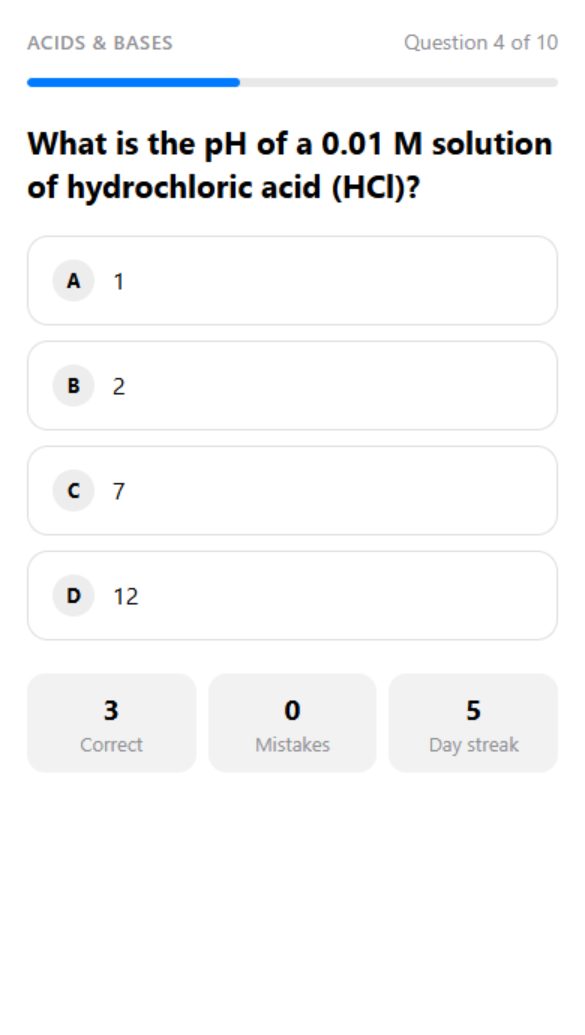
Study
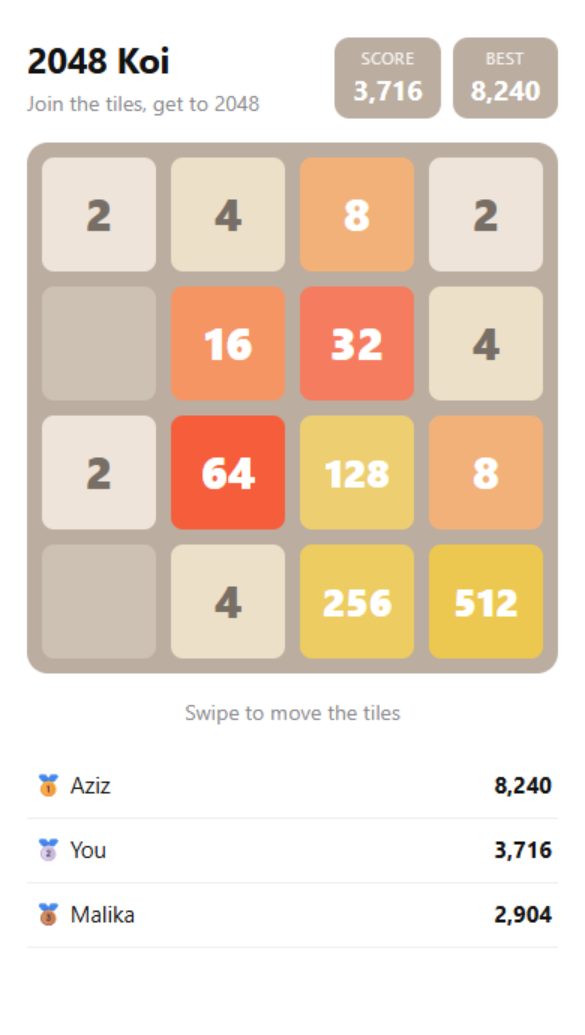
Games

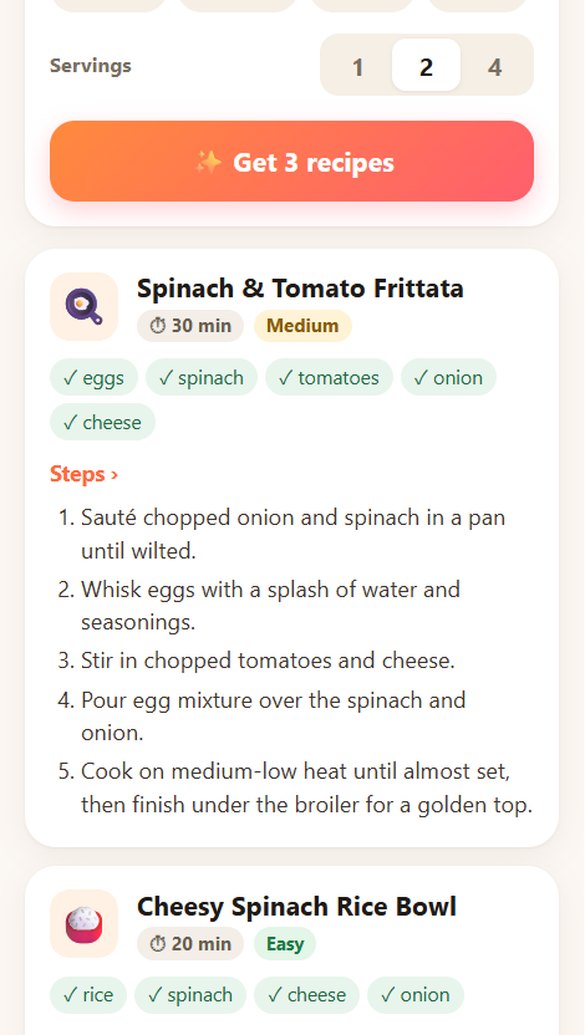
AI recipes
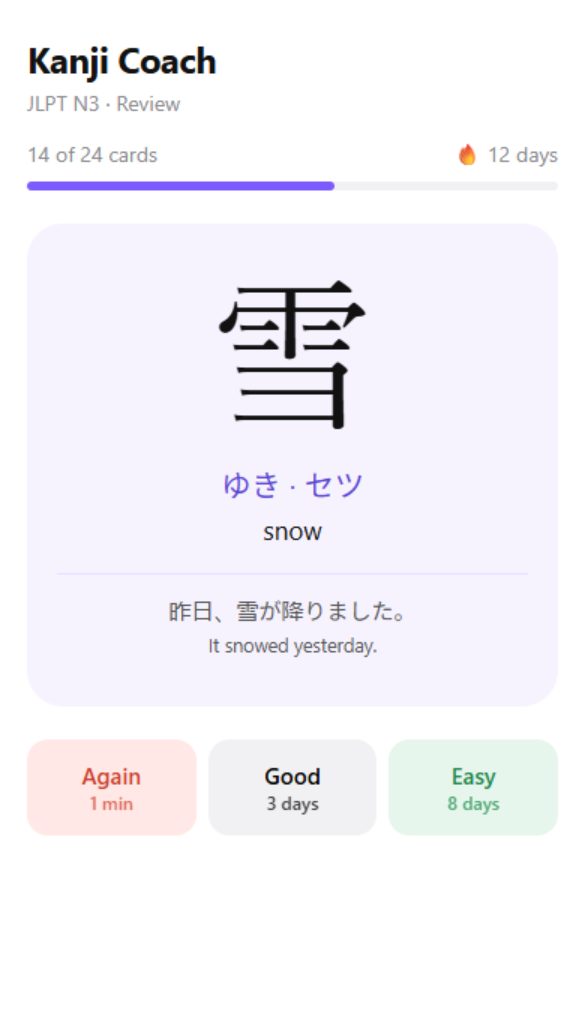
Languages

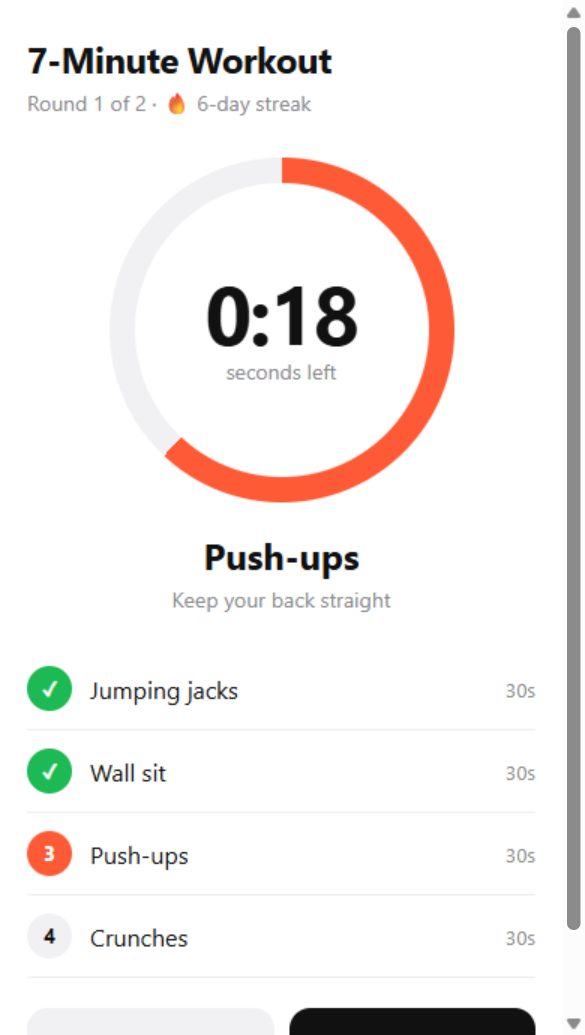
Fitness

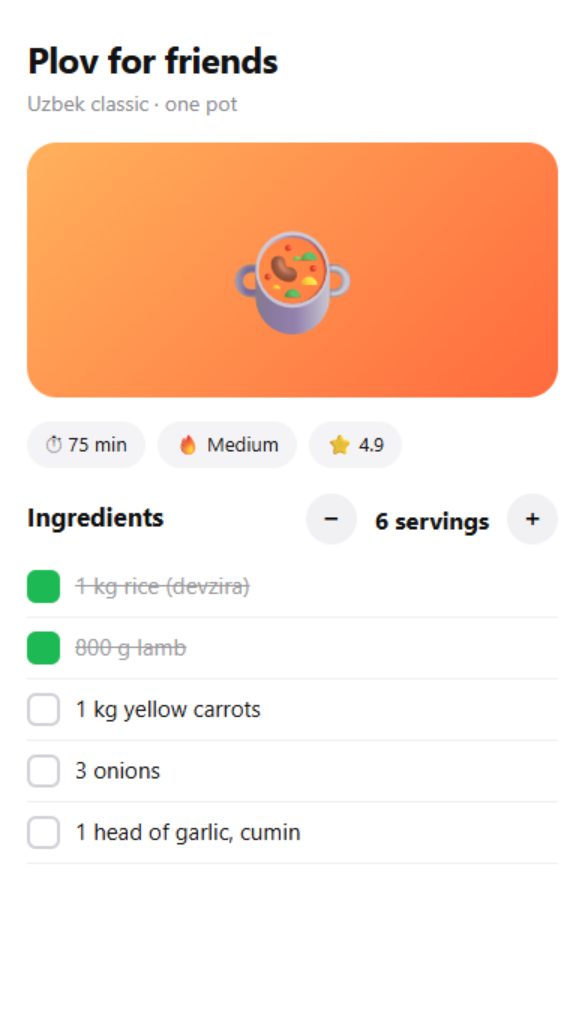
Cooking
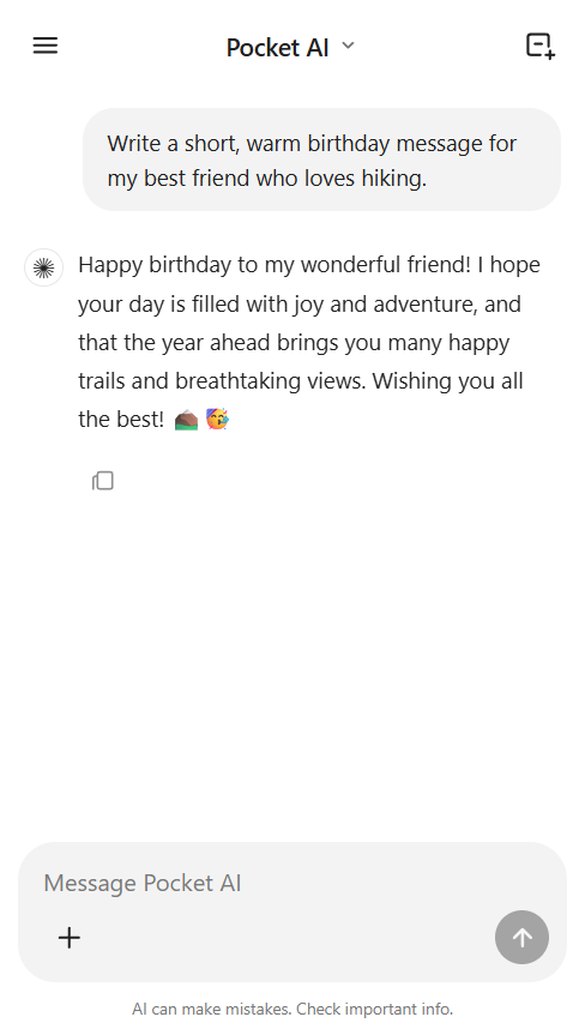
AI chat
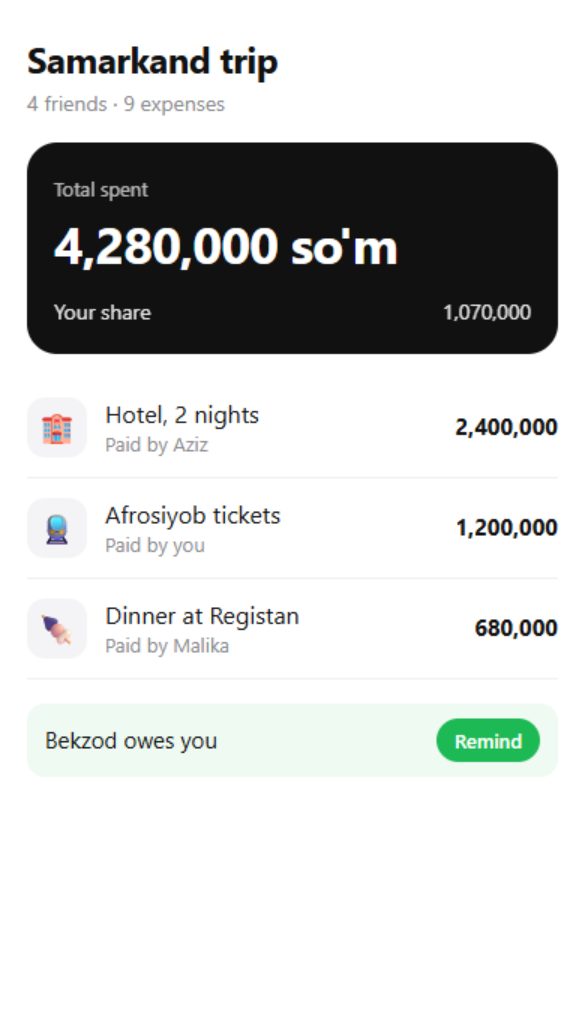
Money
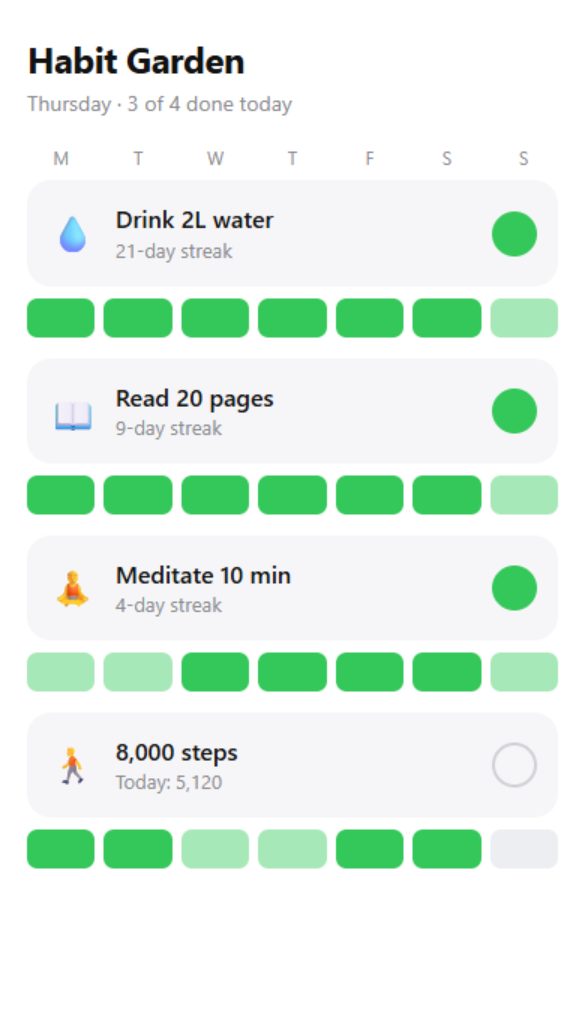
Habits
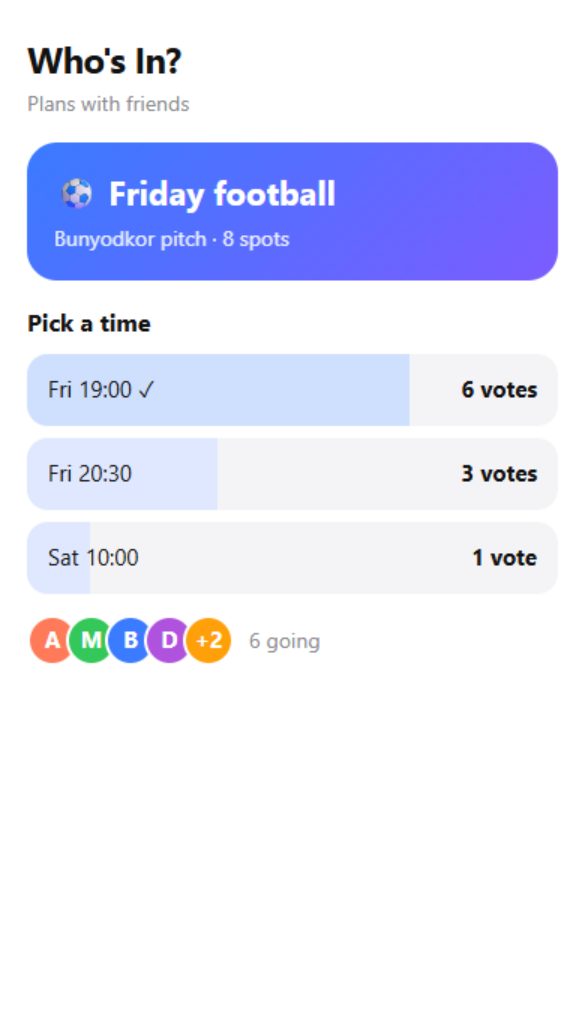
Friends
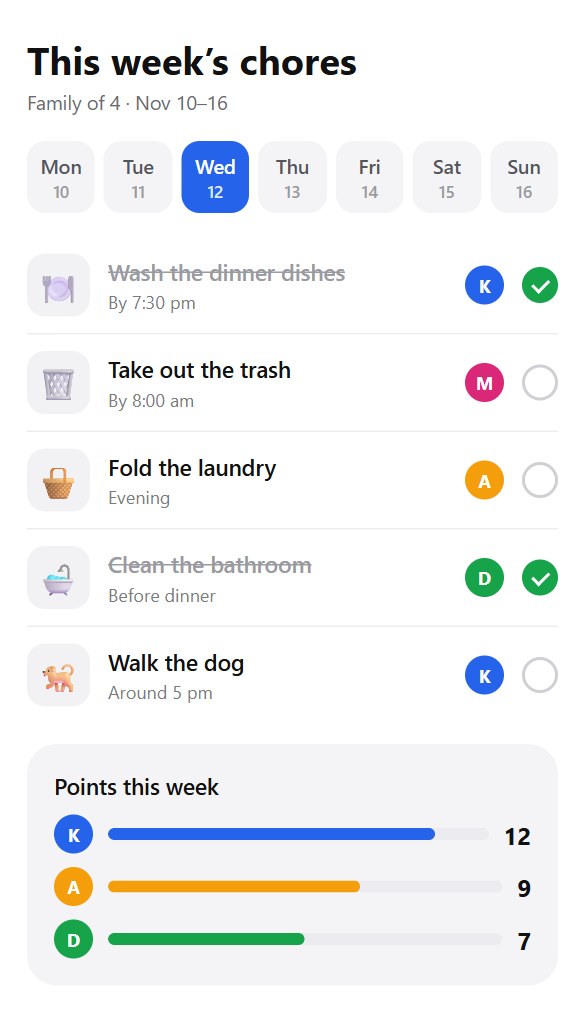
Family
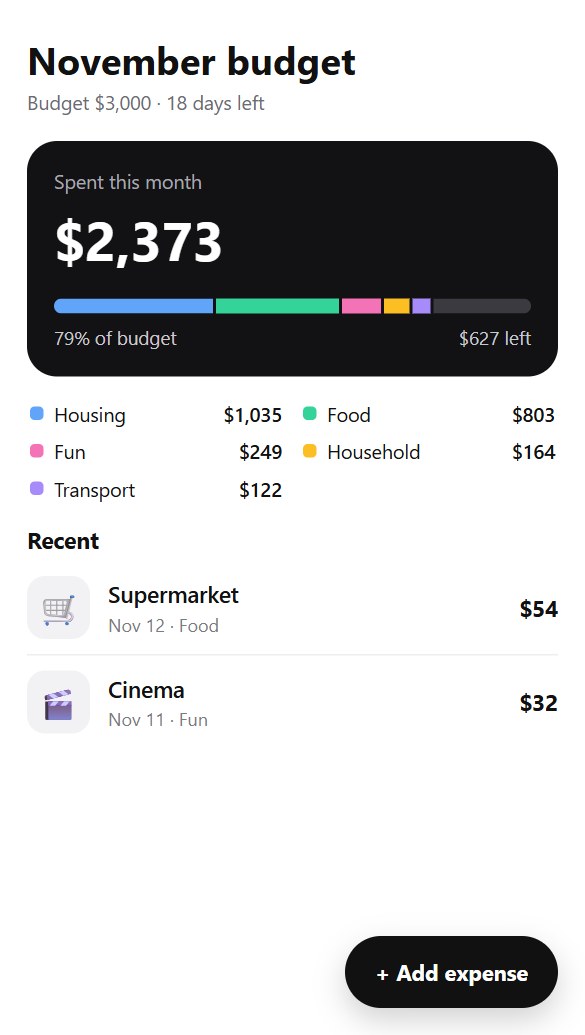
Budget
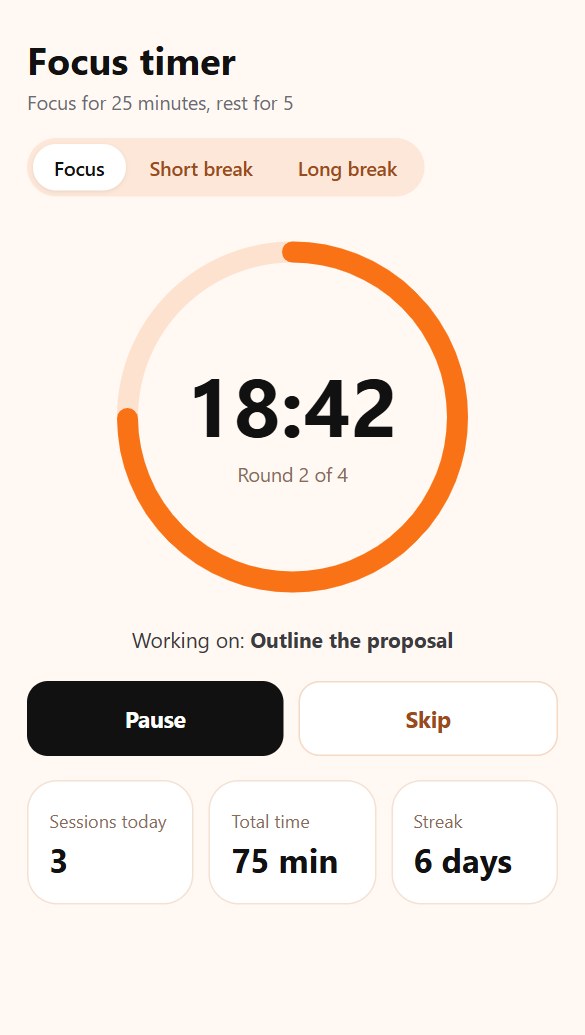
Work
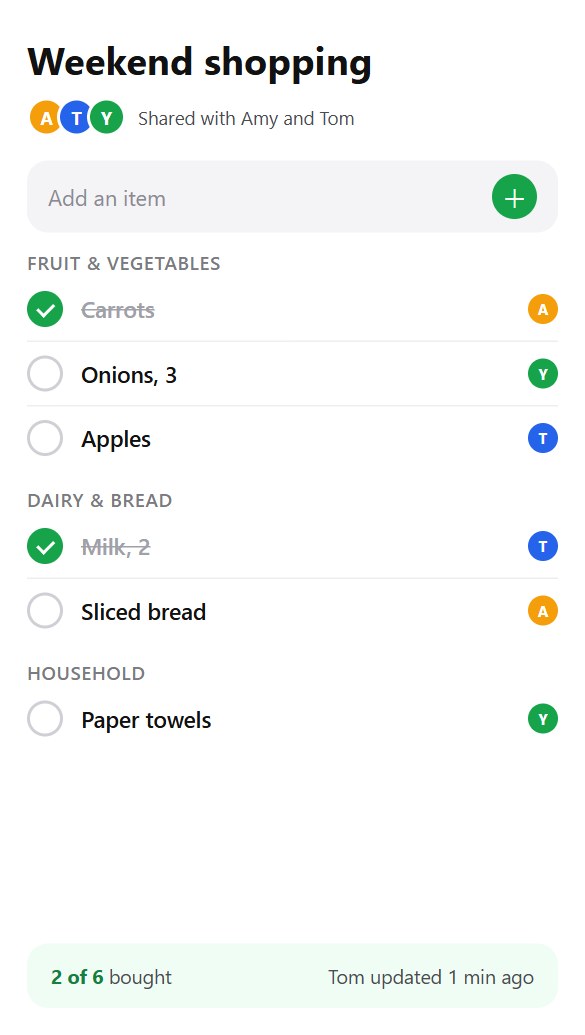
Shared lists
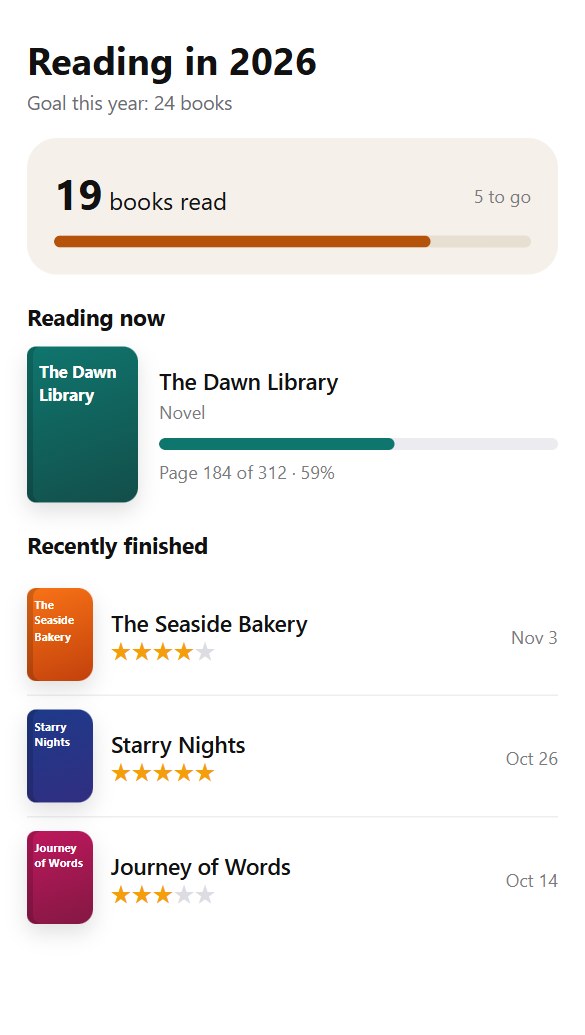
Reading
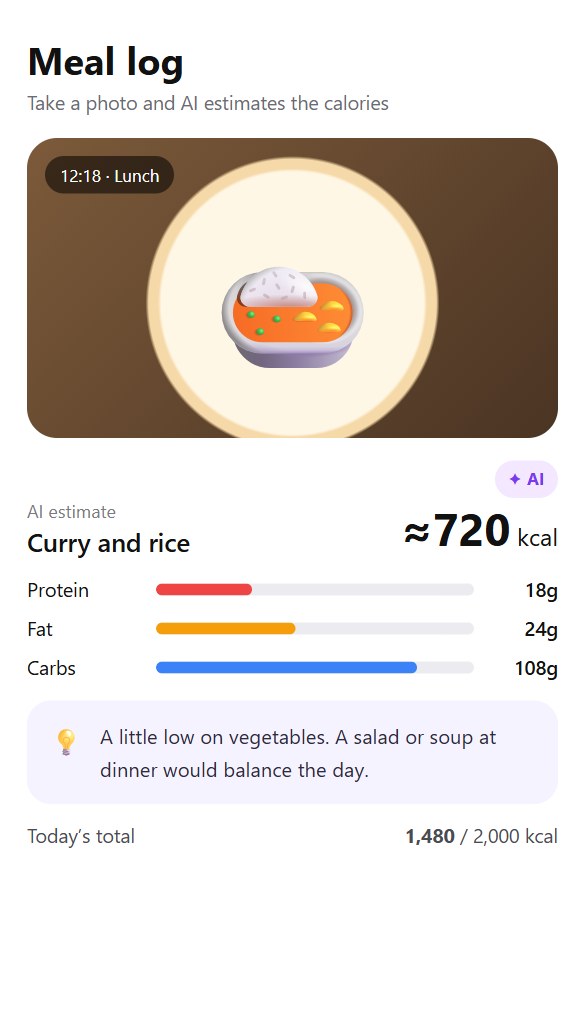
AI photos
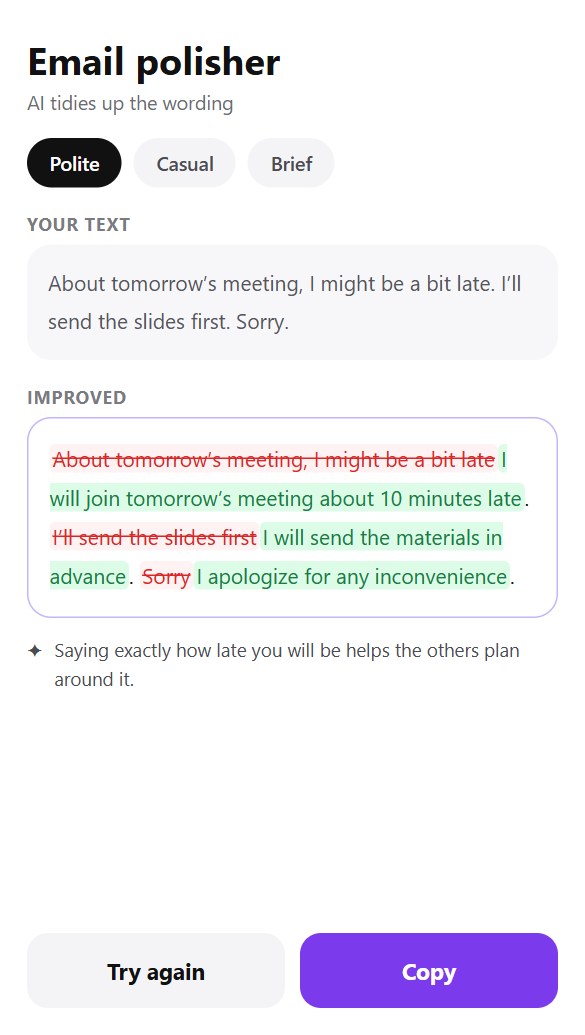
AI writing
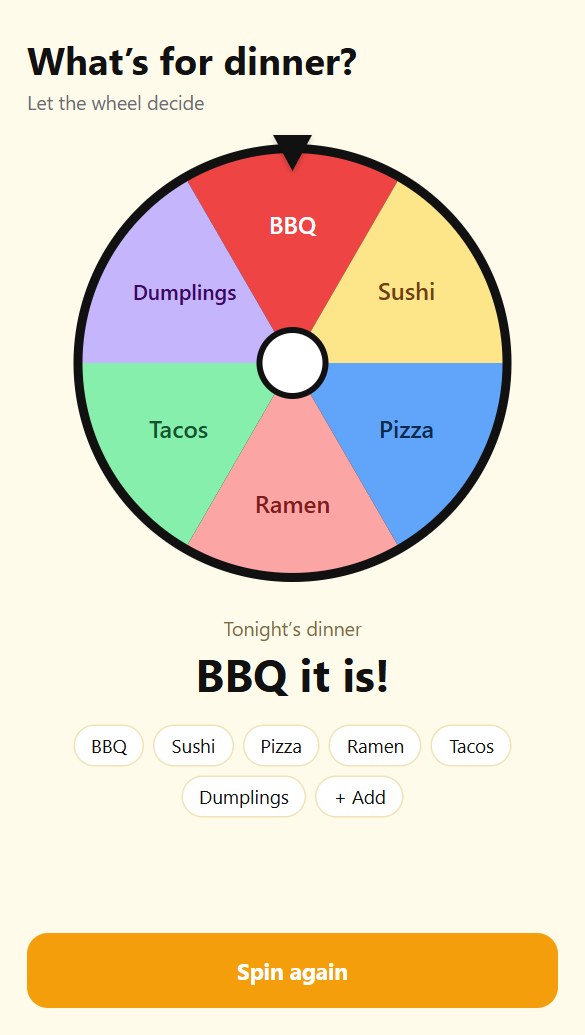
Party
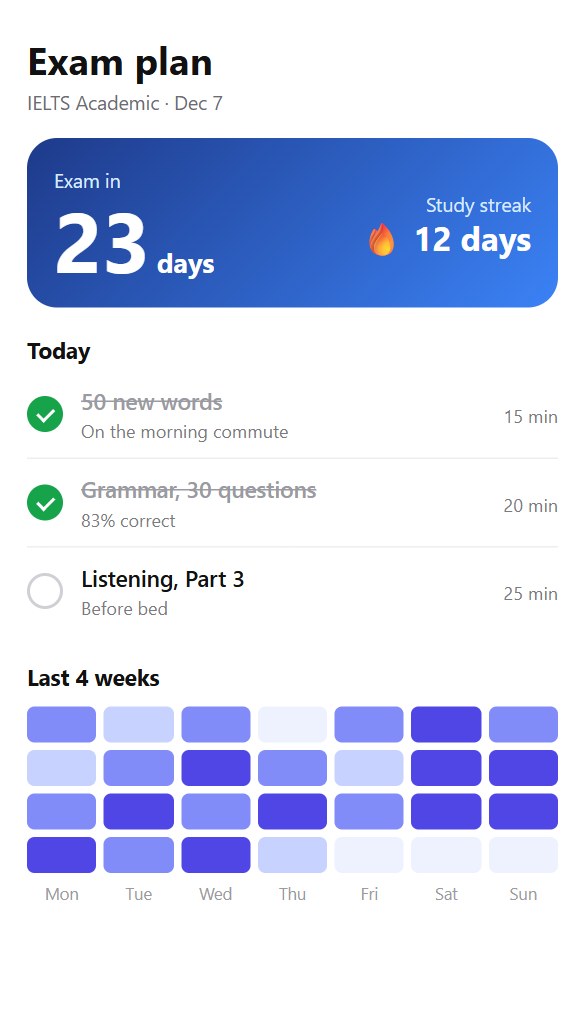
Study plan
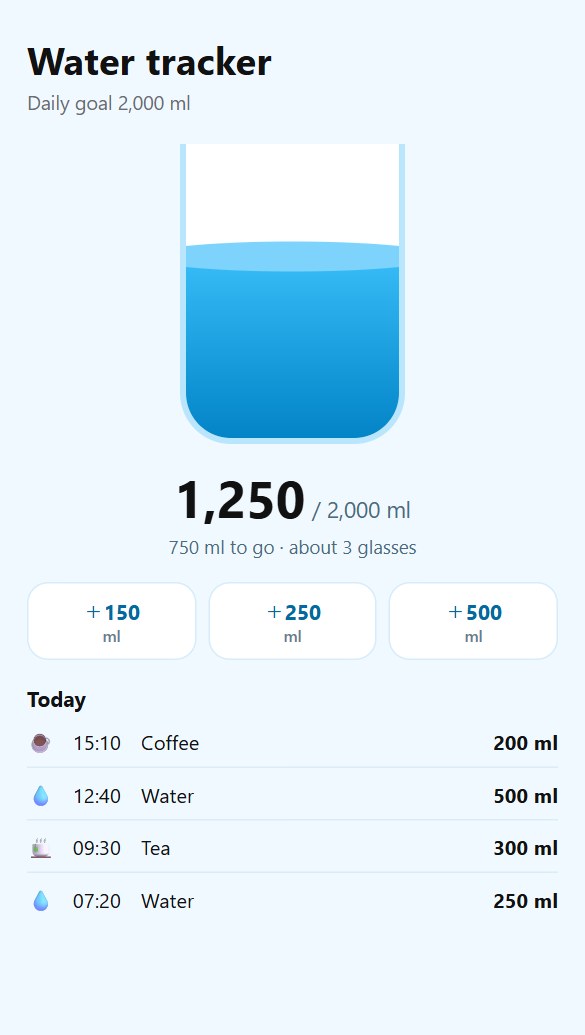
Health
Example screens of apps you can make with Koi Launch.
Press the button and sign in. Your Koi Launch account is created for free.
Claude: every plan, including FreeChatGPT: every plan, including FreeFAQ
Setup steps are in the AI assistant connection guide, and how to use everything is in the manual.
Koi Launch is free to use. Your AI does the building, so it runs on the ChatGPT or Claude plan you already have. Koi Launch Go ($4.99 a month or $49.99 a year) lets your apps use AI, with a monthly allowance, lets you speak your app idea instead of typing it, and adds more storage. See Pricing.
No. Koi Launch works in any browser on your phone or computer, and you can add it to your Home Screen to use it like an app. Telegram is optional: if you use it, your apps open there too, with the same account.
Open launch.koiswarm.com/app and sign in. On Android, tap Install. On iPhone, tap Share in Safari, then “Add to Home Screen”. From then on it opens full screen from its own icon.
ChatGPT: check the Koi Launch listing for availability with your account. Claude: a plan with custom connectors. Workspace settings may also apply.
Open the Koi Launch listing in ChatGPT’s plugin directory. Follow the installation and sign-in prompts. For Claude, use the connection button in the guide.
Anyone you send the link to, unless you make the app private. Each person's progress is saved separately.
Your account details (your name, and the email or Telegram ID you sign in with), the files of apps you create, and data saved inside apps. Your conversations stay with OpenAI or Anthropic. See the Privacy Policy.
Ask your AI to delete the app. That removes its versions and every user's data in it. To delete your account, ask Kohaku, our support chat (Settings → Support chat in the web app), or email support@kinetropic.com.